Composing Emails
Bulwark's composer provides a rich editing experience for crafting emails.
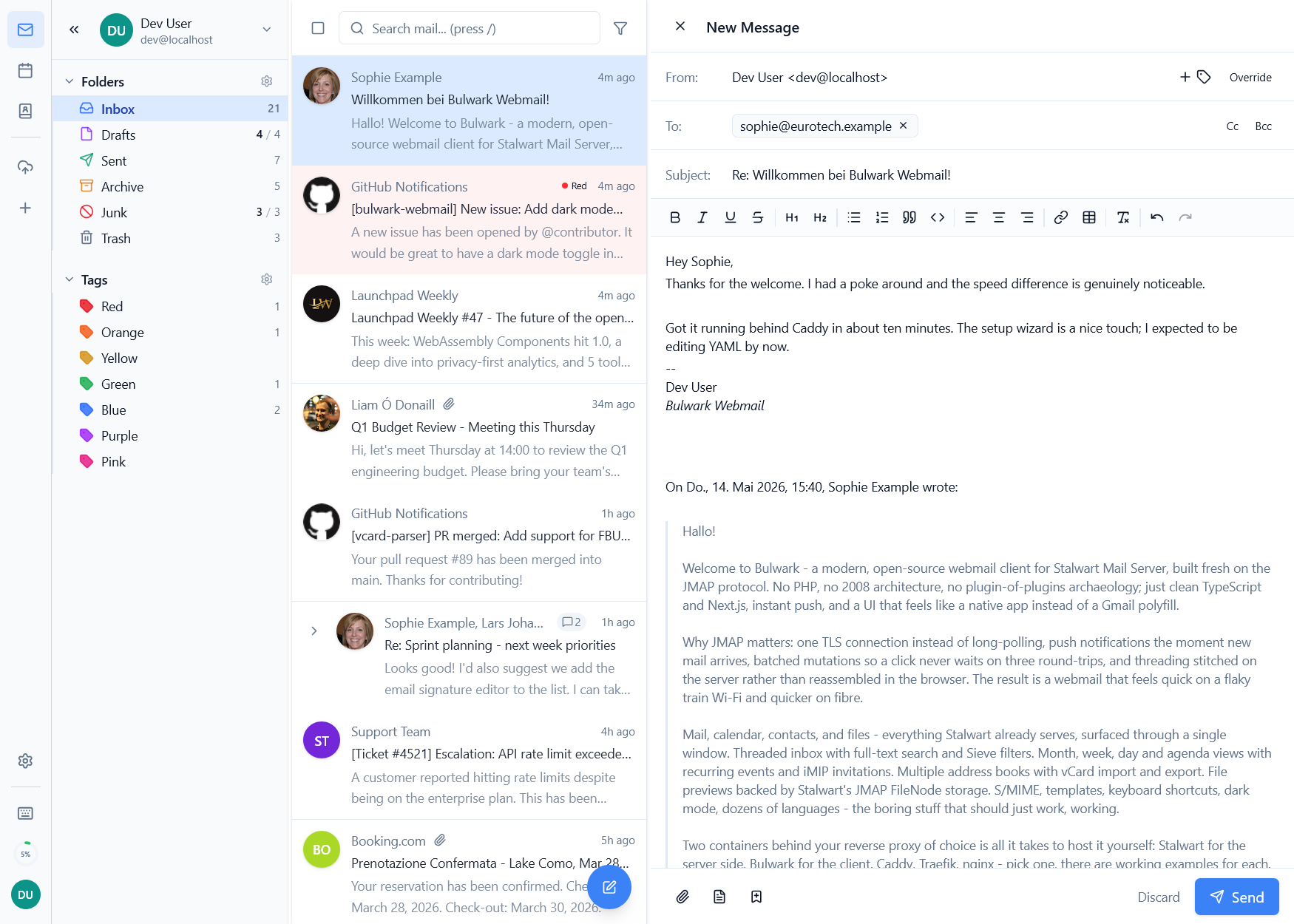
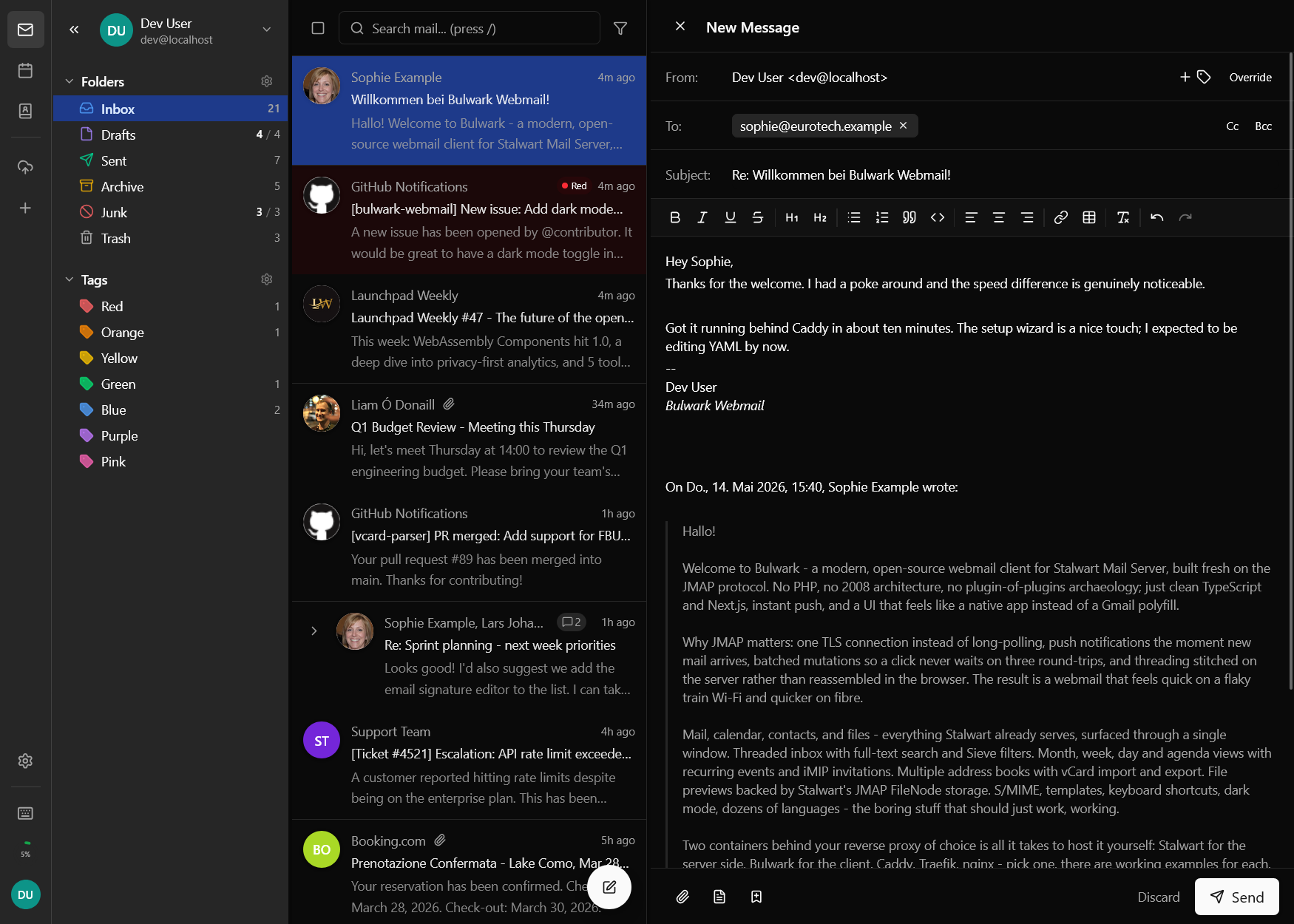
Rich Text Editor
The editor supports full formatting:
- Bold, italic,
strikethrough, and underline - Ordered and unordered lists
- Inline hyperlinks
- Tables (insert and edit)
- Block quotes
- Code blocks
- Inline images with a resizable image component (embedded as data URLs so drops don't duplicate attachments)
Identity Selection
Choose which sender identity to use from the dropdown in the composer. Each identity can have its own name, email address, and signature. The identity manager refreshes from the server after create, update, and delete operations so the composer stays in sync with server-side changes.
Auto-Select Reply Identity
When replying to an email, Bulwark can automatically select the identity that matches the recipient address of the original email. This is configurable in settings.
Reply-To Addresses
Configure reply-to addresses in the composer to direct replies to a different address than the sender identity.
From-Header Override and Catch-All Auto-Reply
When you own a catch-all domain, replies to mail sent to an arbitrary alias (e.g. marketing@yourdomain.com) should come back from the same alias - even when it isn't a configured identity. Bulwark detects this and pre-fills the alias as the From header in the composer. You can still override the From header manually before sending.
Signature Position
Each identity can choose whether its signature appears above or below quoted text on a reply or forward. The default fallback is the primary identity's signature. The setting is searchable from the email behavior settings.
Composer Modes
Bulwark supports two composer modes:
- Rich text - Full formatting with the rich text editor (default)
- Plain text only - A simplified plain text composer for users who prefer unformatted emails
The composer mode can be configured in email settings.
Attachments
- Drag and drop files onto the compose window
- Click the attachment button to browse
- Maximum file size is determined by your Stalwart configuration
- Inline images can be pasted directly from the clipboard
- Resizable image component for adjusting inline image dimensions
- Direct image upload support in the rich text editor
- Forgotten-attachment warning - if the body mentions "attachment", "attached", etc. but no file is attached, Bulwark warns before send
Signatures
Set up multiple signatures via identity management:
- Each identity has its own signature
- Signatures are automatically appended based on the selected identity
- Switch identities (and signatures) using the dropdown in the composer
Templates
Insert reusable email templates from the compose toolbar:
- Browse templates by category with search and filter
- Placeholder variables (e.g.,
{{recipientName}},{{date}}) are auto-filled from composer context - Custom placeholders prompt for input on insertion
- Press
Tin the email list orCtrl+Shift+Tin the composer to open the template picker - Manage templates from Settings
S/MIME Compose Controls
- Enable or disable signing per message when an S/MIME identity certificate is available
- Enable encryption when every recipient has a known public certificate
- Unlock protected keys on demand from the composer without leaving the draft
- Keep default signing and encryption preferences in the S/MIME settings panel
Drafts
Emails are auto-saved as drafts every 60 seconds (configurable in settings). You can also manually save with Ctrl+S. Drafts sync across devices via JMAP. A discard confirmation dialog appears when closing an unsaved draft.
Existing drafts can be reopened and edited - click a draft in the Drafts folder to resume editing with all content, recipients, attachments, and identity selection restored.
Keyboard Shortcuts
| Shortcut | Action |
|---|---|
Ctrl+Enter | Send email |
Ctrl+S | Save as draft |
Ctrl+Shift+T | Insert template |
Escape | Discard / close |