Bulwark provides a full-featured email experience powered by the JMAP protocol.
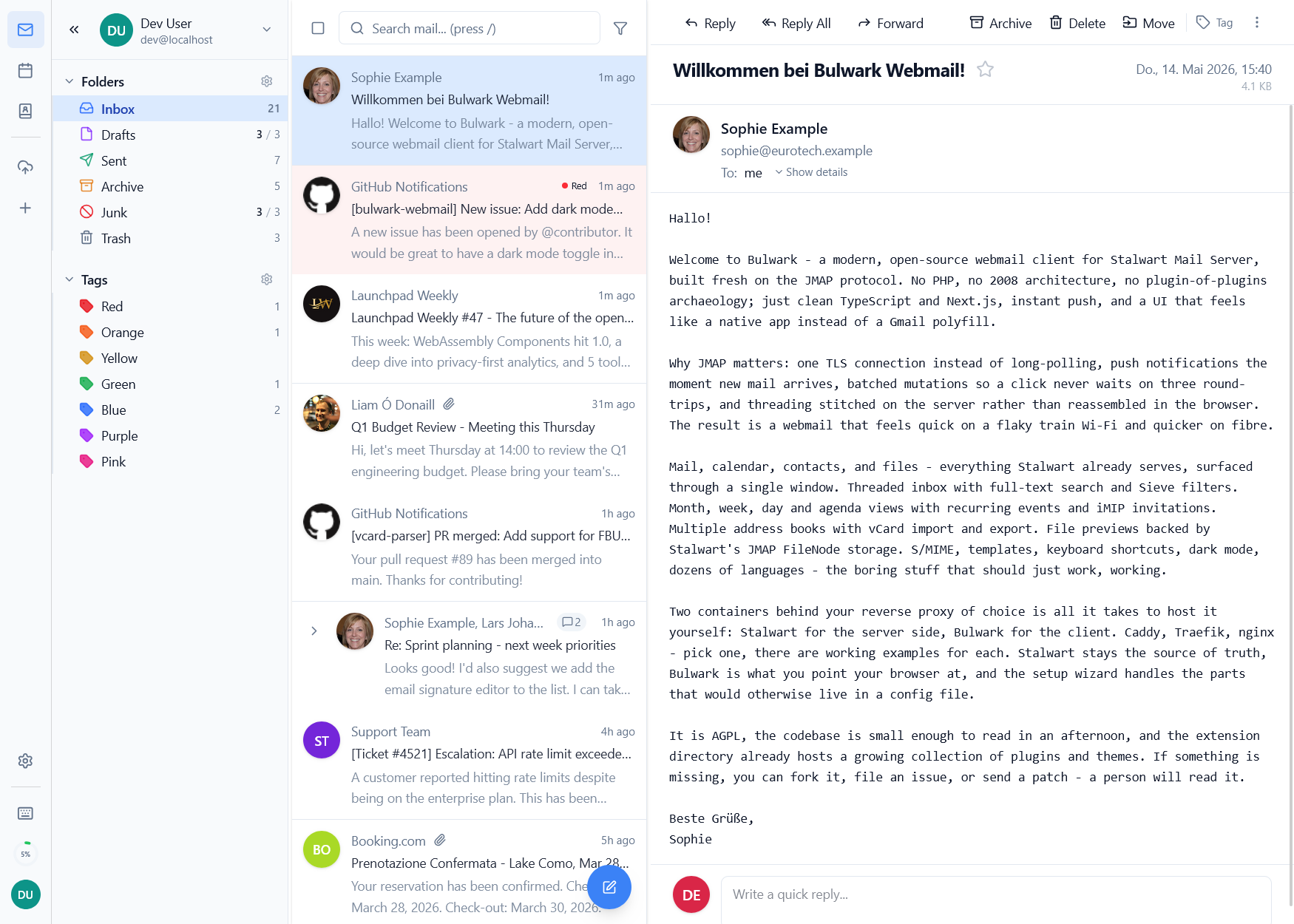
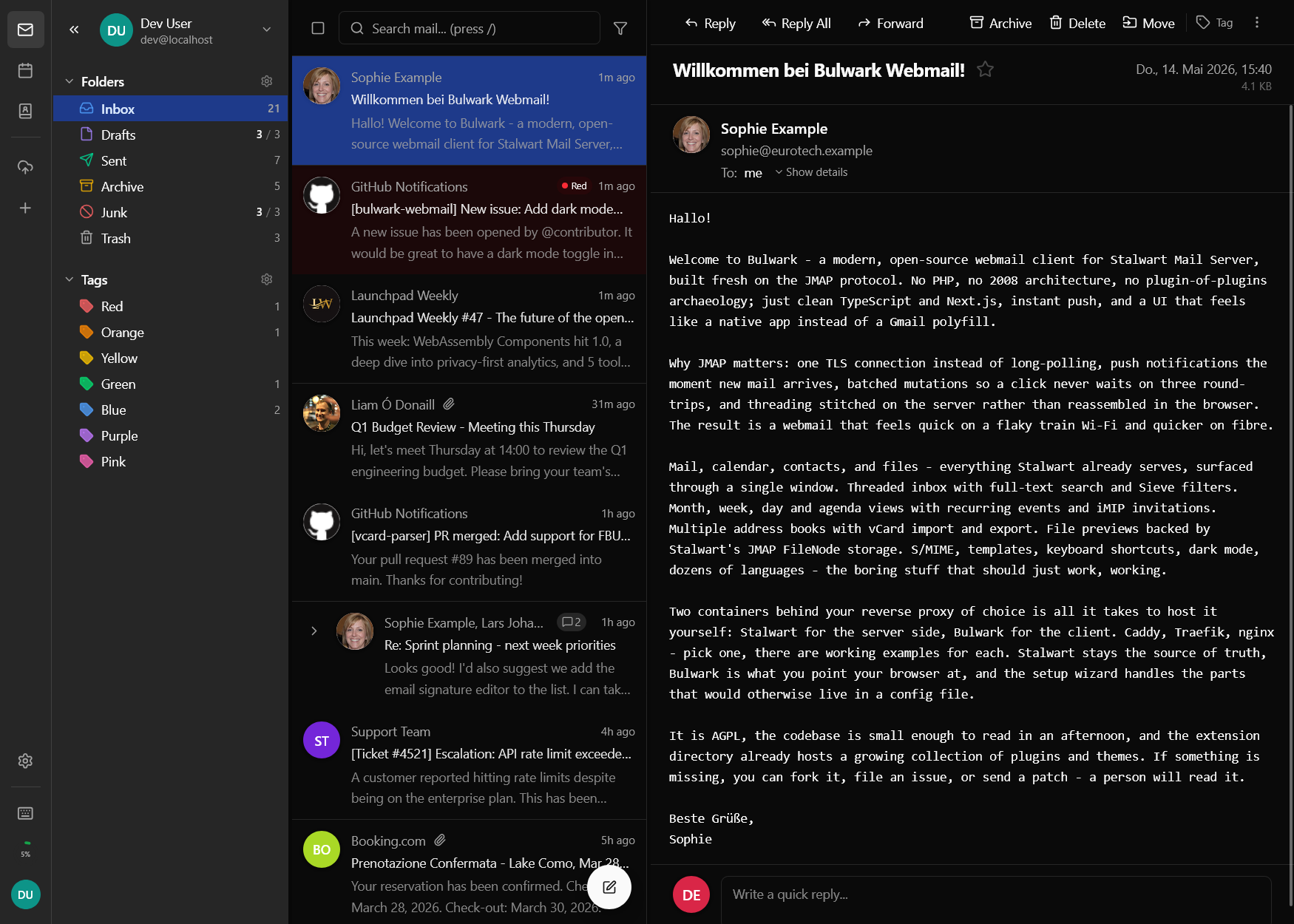
Inbox & Folders
- Three selectable mail layouts: split (three-pane), focused list, and reading pane at bottom - configurable per user
- Hierarchical mailbox display with unread counts
- Unread filter toggle in the mailbox sidebar
- Drag-and-drop email organization between folders
- Archive actions with configurable archive organization modes (single folder, year folders, or year/month folders)
- Virtual scrolling for large email lists with prefetching of initial email data on login
- Infinite scroll pagination
- Empty folder action for Junk and Trash mailboxes (with confirmation)
- Hover actions with configurable quick-action buttons for common operations
- Attachment position setting (top or bottom of email viewer)
- Answered and forwarded email status indicators
.emlfile import via folder right-click menu- Right-click context menu on the folders sidebar with folder management actions
- Mailbox context menu header shows the full path with intelligent path shortening
- Unified mailbox view across all connected accounts (toggleable from the sidebar)
Composing
The rich text editor supports:
- Formatting - Bold, italic, underline, strikethrough
- Lists - Ordered and unordered lists
- Links - Inline hyperlinks
- Tables - Insert and edit tables in rich-text emails
- Block quotes and code blocks
- Attachments - Drag-and-drop file attachments and forgotten-attachment warning (detects attachment keywords in the body before send)
- Inline images - Paste or drag images directly; embedded as data URLs to prevent duplicate attachments. Resizable image component for fine-tuning dimensions
- Image upload - Rich text editor supports direct image upload
- Signatures - Multiple per-identity signatures, with configurable position above or below quoted text (per identity, searchable from the email behavior settings)
- Templates - Reusable email templates with placeholder variables
- Identity selection - Choose sender identity from dropdown with auto-select reply identity
- From-header override - Override the sender from the composer; combined with the catch-all auto-reply, replies to an alias on a domain you own auto-fill the alias as the sender even when it isn't a configured identity
- Reply-to addresses - Configure reply-to addresses in the composer
- Plain text mode - Optional plain text-only composer mode
- Conversation threading - Optional toggle to disable conversation threading
- Auto-add trusted senders - When you reply to someone, Bulwark adds them to your trusted senders so future mail loads images automatically
Keyboard Shortcut
Press C anywhere in the app to open the compose window.
Reading
- Threaded conversation view with inline expansion
- Iframe-based HTML rendering with smart dark mode transformation (and preserved emoji colors)
- Optional "Always Show Emails in Light Mode" setting for problematic HTML mail in dark theme; per-email toggle is respected
- DOMPurify sanitization for security
- External content blocked by default with per-sender trust; redesigned external-mail banner above attachments
- SPF/DKIM/DMARC status indicators with security tooltips
- TNEF (
winmail.dat) detection and extraction for Outlook rich-text bodies and attachments - Embedded message/rfc822 attachment unwrapping with enhanced HTML body validation
- S/MIME status banners for encrypted and signed messages, including unlock prompts for protected keys; redesigned to match the calendar invitation banner
- Download, preview, or drag attachments out of the viewer to the local file system; image attachments show thumbnails and preview chips
- Reply, reply-all, and forward actions
- Quick reply form (redesigned to match the sender/banner layout)
- Expandable email headers with contact sidebar
- Move-to mailbox directly from the viewer
- Newsletter unsubscribe support (RFC 2369)
- Mobile bottom action bar with reply and navigation controls
- Auto-fetch full email content when a message is auto-selected
- PDF preview rendered via
<object>withblob:source (closes on Escape before the email viewer) - Print the email directly from the viewer
Search
Bulwark provides a visual search panel with search chips for precise filtering:
- Text search - Full-text search across email content
- From - Filter by sender
- To - Filter by recipient
- Subject - Search in subject line
- Body - Search in email body
- Has attachment - Filter emails with/without attachments
- Date range - Filter by before/after dates
- Read status - Filter read or unread emails
- Starred - Filter starred or unstarred emails
Active filters display as removable search chips above the email list. The search supports cross-mailbox queries, wildcard queries, and OR conditions across supported fields.
Press / to focus the search bar.
Labels & Tags
Organize emails with colored labels. Labels are synced with JMAP keywords so they persist across clients. Customize label names and colors from settings.
Email Export & Import
Export and import emails with full localization support across all supported languages.
Batch Operations
Select multiple emails for bulk actions: archive, delete, mark read/unread, star/unstar, and move to folder.
S/MIME
- Import PKCS#12 identities and recipient public certificates from Settings
- Bind certificates to identities for default signing behavior
- Toggle signing and encryption directly in the composer
- Automatically decrypt supported encrypted messages when the matching key is available
- Legacy password-based encryption (PBE) support for older certificate formats
- Enhanced certificate extraction from signed messages
- Verify signatures in the viewer and optionally auto-import signer certificates for future encryption
Email Filters
Server-side email filtering via JMAP Sieve Scripts (RFC 9661):
- Visual rule builder with conditions (From, To, Subject, Size, Body, etc.) and actions (Move, Forward, Mark read, Star, Discard, Reject, etc.)
- Expanded visual view for reviewing filter rules at a glance
- Raw Sieve editor with syntax validation
- Drag-and-drop rule reordering
- Auto-save with rollback on failure
- Only shown when the server supports Sieve
Email Templates
- Reusable templates organized by category (General, Business, Personal, Support, Follow-up, custom)
- Placeholder variables (
{{recipientName}},{{date}}, etc.) with auto-fill from composer context - Template picker in compose toolbar with search and category filter
- Template manager in settings